Advertising campaign
Café Lux in Granby
Client contract
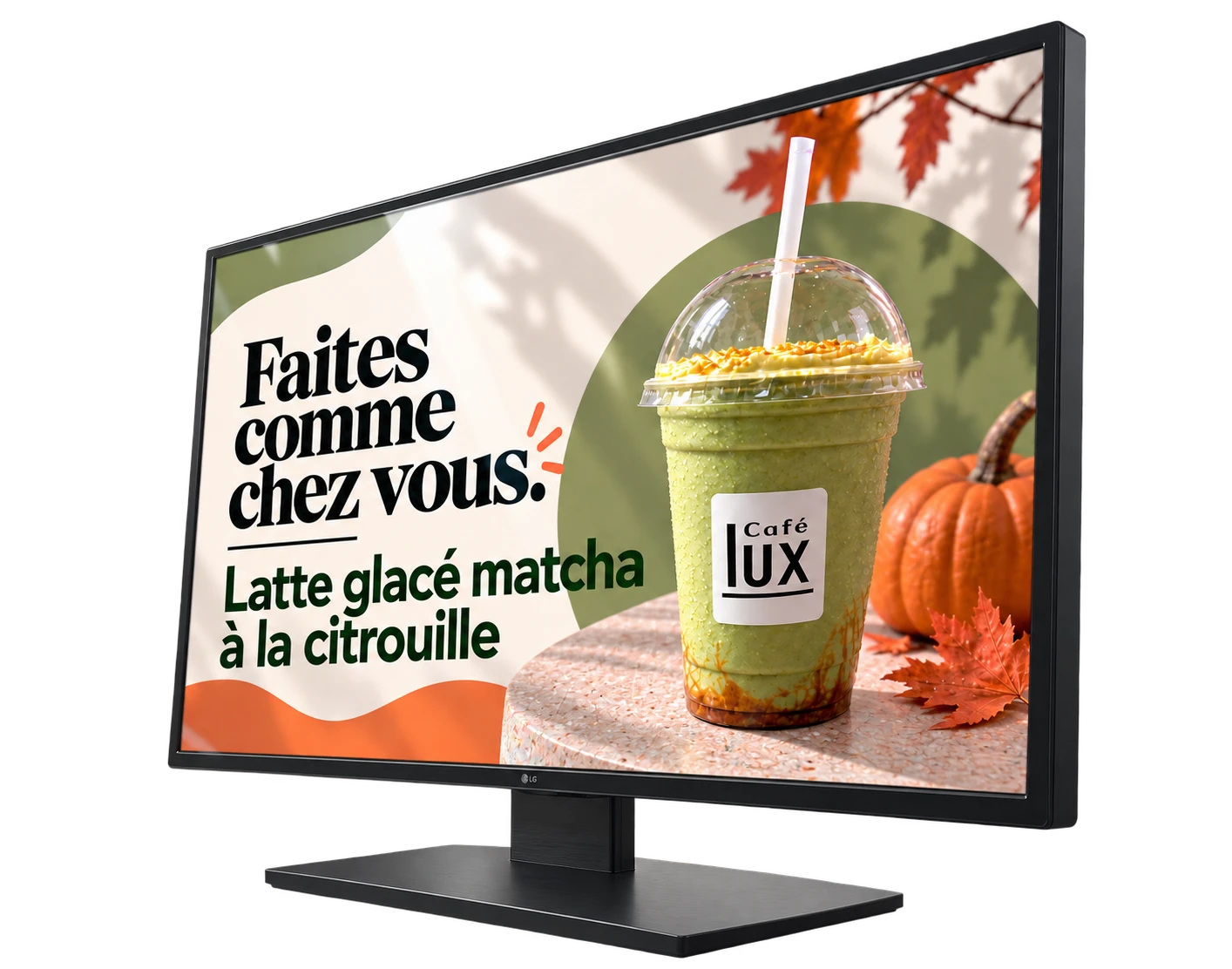
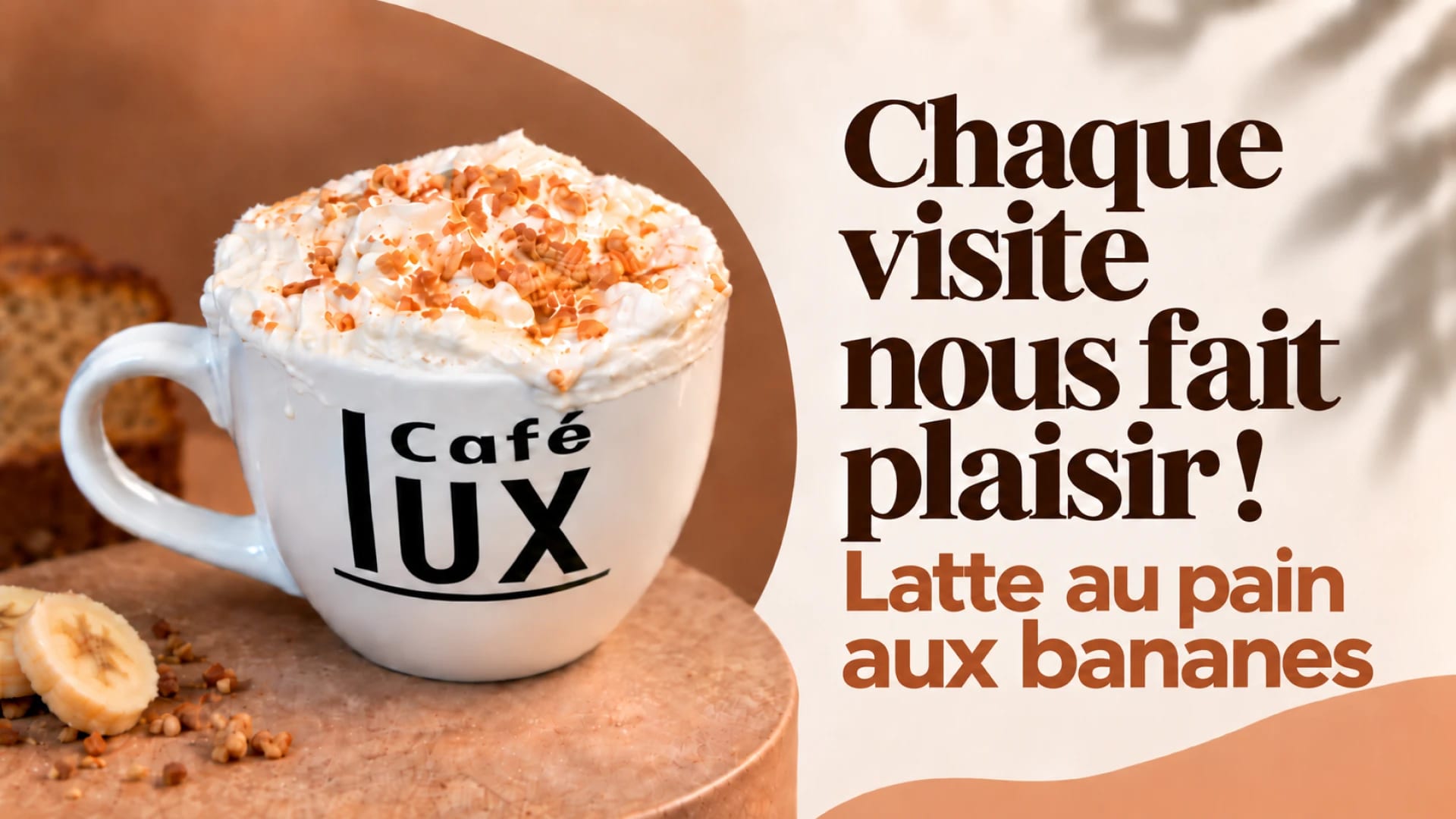
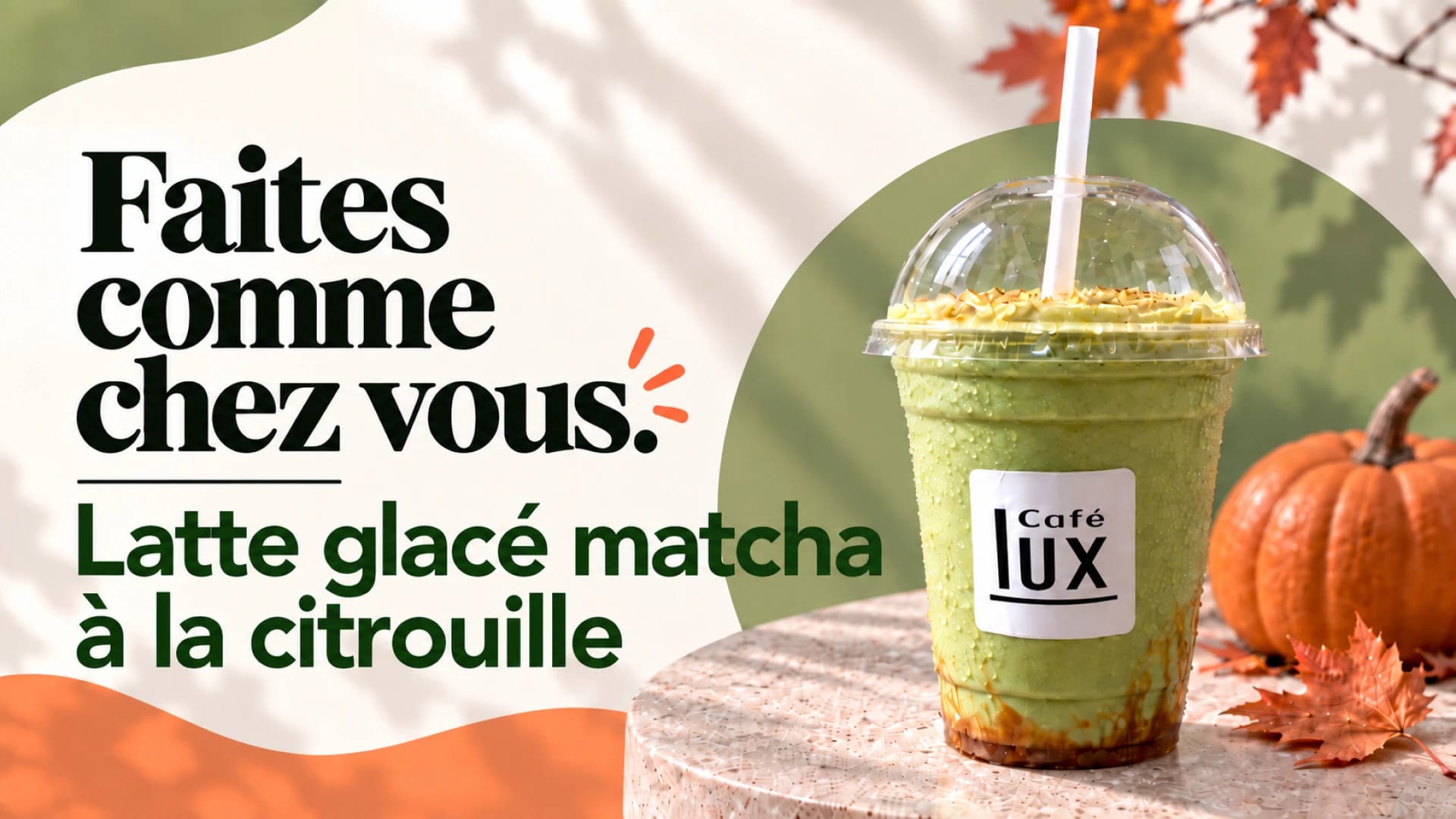
Café Lux is a café in the heart of the Galeries de Granby: gourmet coffees, espresso, gelato, pastries and desserts. Together, the owner and I looked for a good way to show the café on the TVs at the front: an advertising campaign of digital posters, with a Facebook recruitment post.
Brief and goal
An advertising campaign of digital posters for the TVs at the front of the café, at the Galeries de Granby, and a Facebook post for recruitment.
Role and responsibilities
Choosing the campaign angle with the owner, visual direction, style guide, designing the posters and adapting them to the screens’ format, writing and laying out the post.
Credits
Client contract. The original photos come from Café Lux. The posters and the post are my work.
Use of AI
I used ChatGPT to look for the campaign’s words and to create the posters from the café’s original photos, a style guide and a detailed description, Canva’s Magic Layers feature to separate the posters’ elements and edit them, and Claude Code to add this sheet to the portfolio, from my client file. My personal contribution includes the campaign angle, found with the owner, the visual direction, the style guide, very clear instructions so the result does not look AI-made, the retouching and requested changes, the Facebook post and validating the result.
Production steps
-
Step 1: Finding the right angle for the campaign
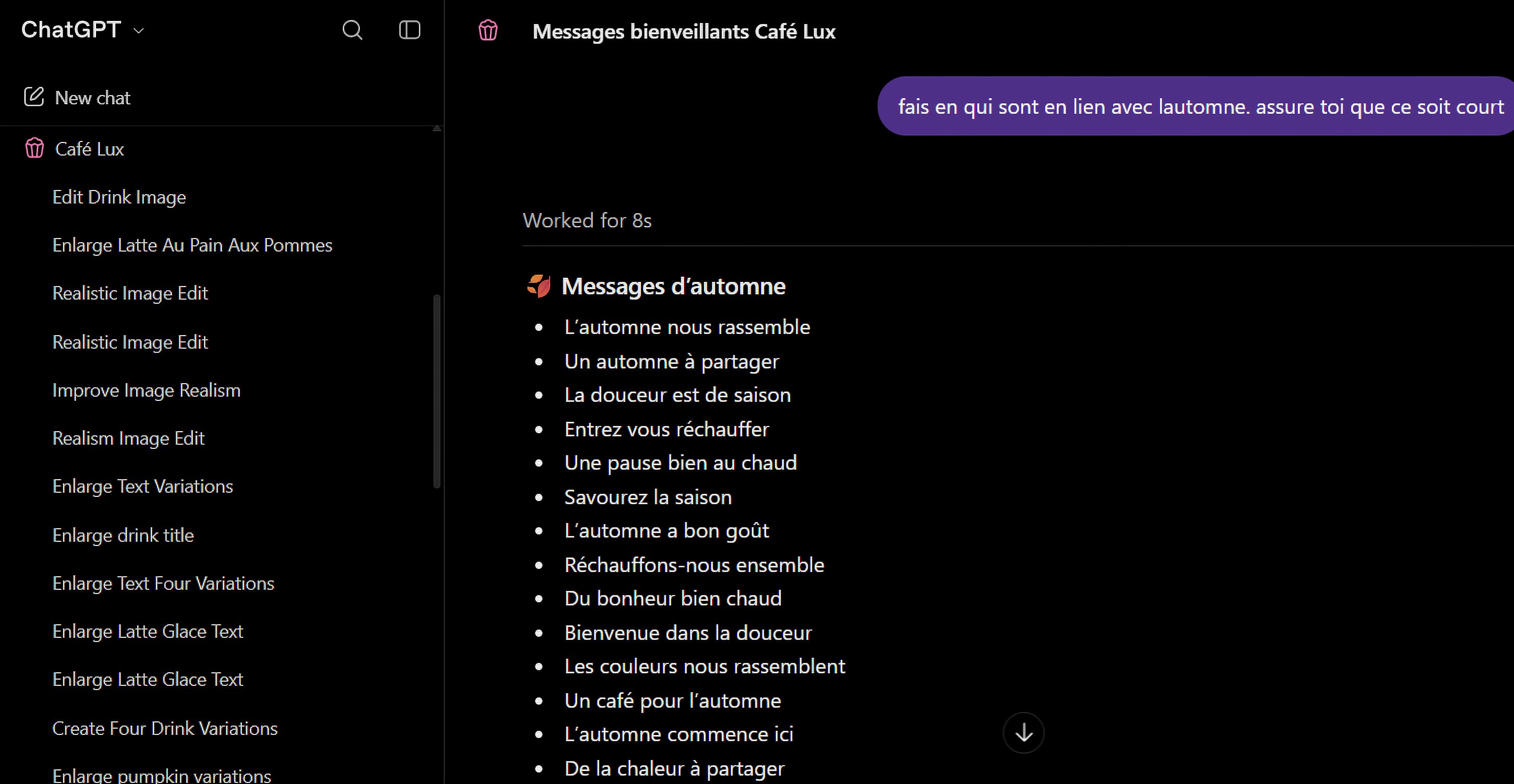
I talked with the owner to find the right campaign angle and a good way to show the café on the TVs at the front. I researched the words to put on the posters with ChatGPT, for example « Un automne à partager » (an autumn to share).
-
Step 2: Looking at past ads and developing a style
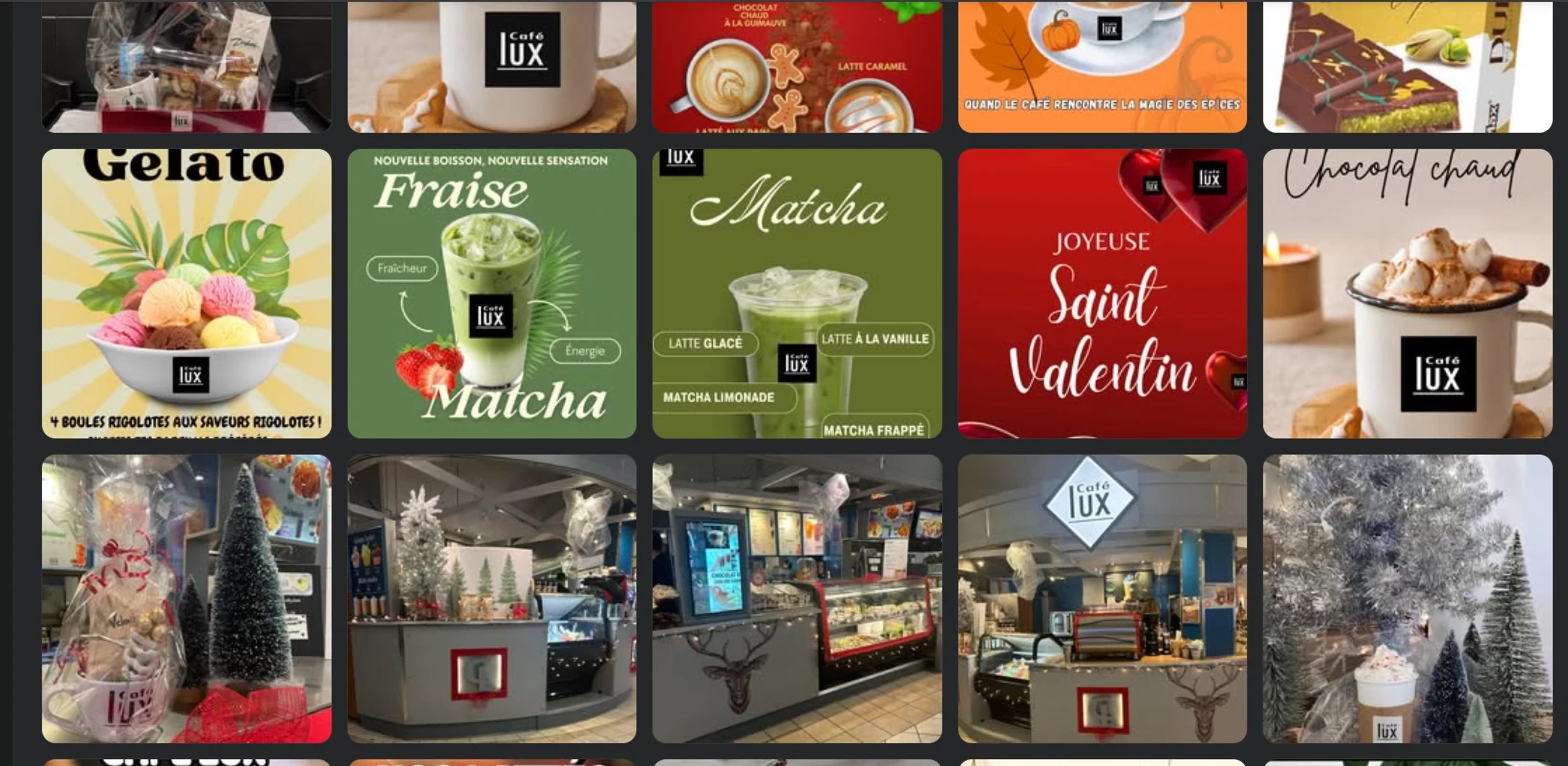
I looked at the café’s past ads to develop a style that suits it well.
-
Step 3: Creating a style guide and a description for the AI
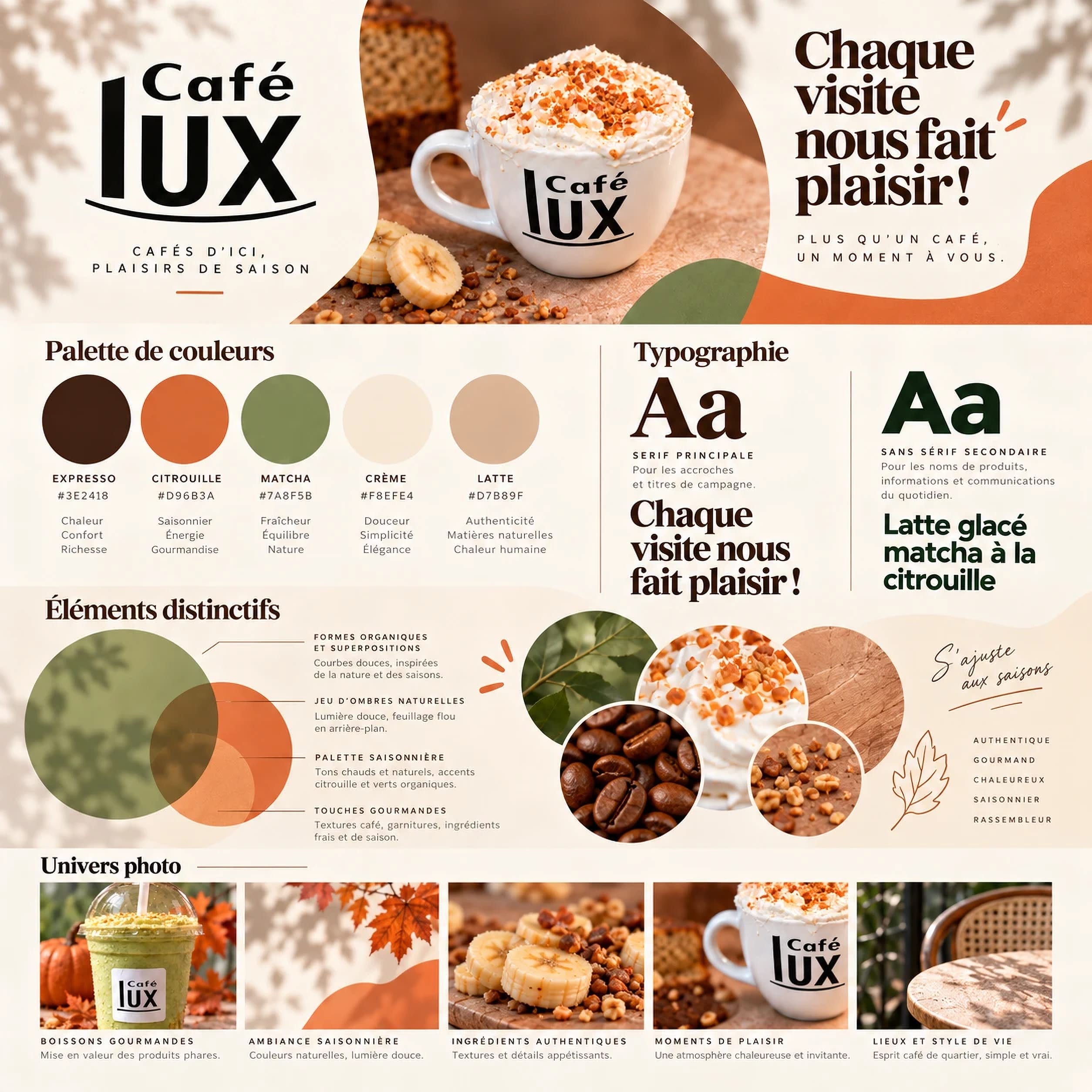
I created a style guide (palette, typography, distinctive elements, photo style) and a detailed description to give the AI. I am very careful to give very clear instructions: even if I use AI, the result must not look AI-made at all.
-
Step 4: Creating the ads with the supplied images
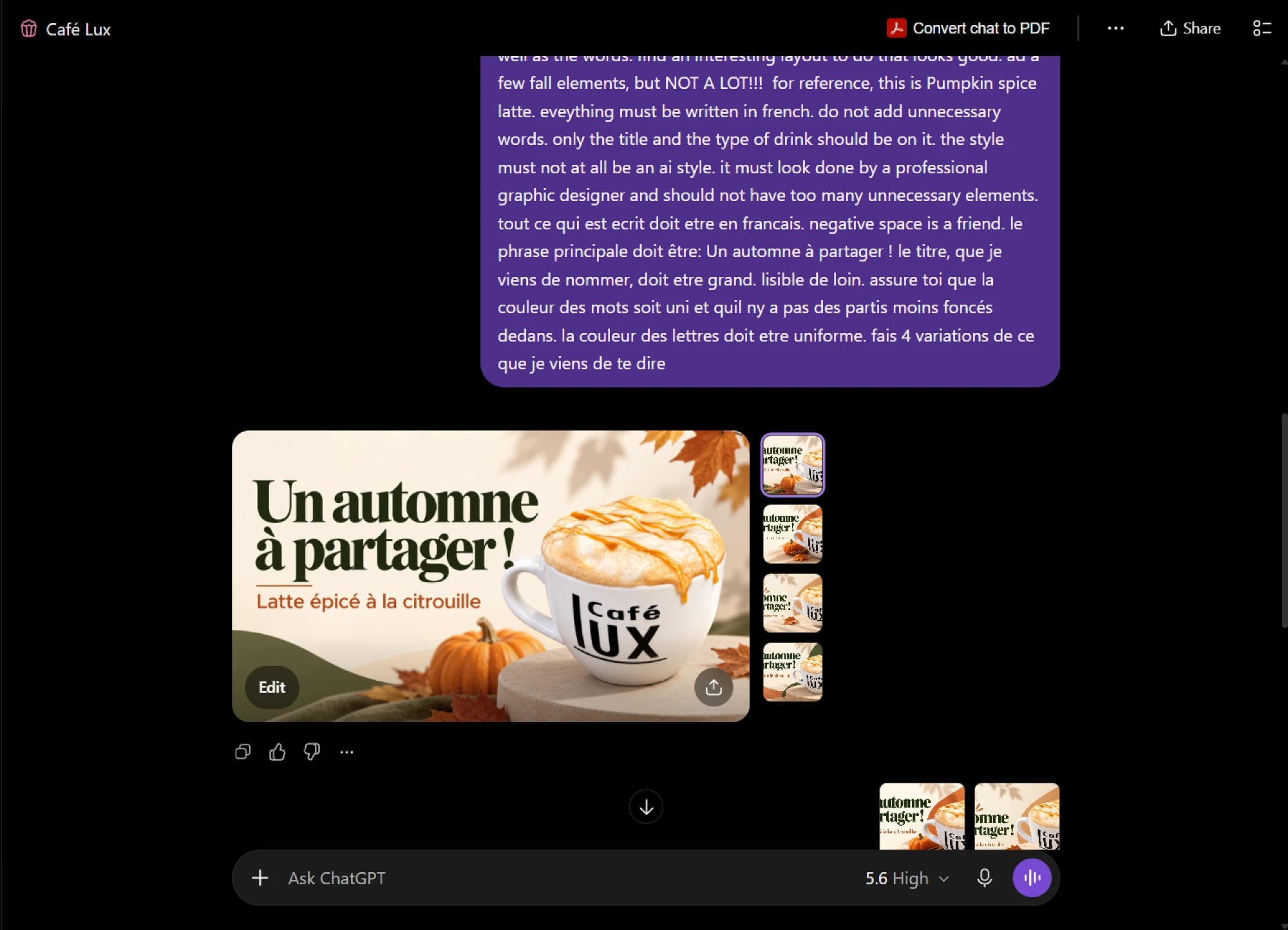
I created the ads with the images supplied by the café, from the style guide and the description, asking for several variations of each poster.
-
Step 5: Making the requested changes
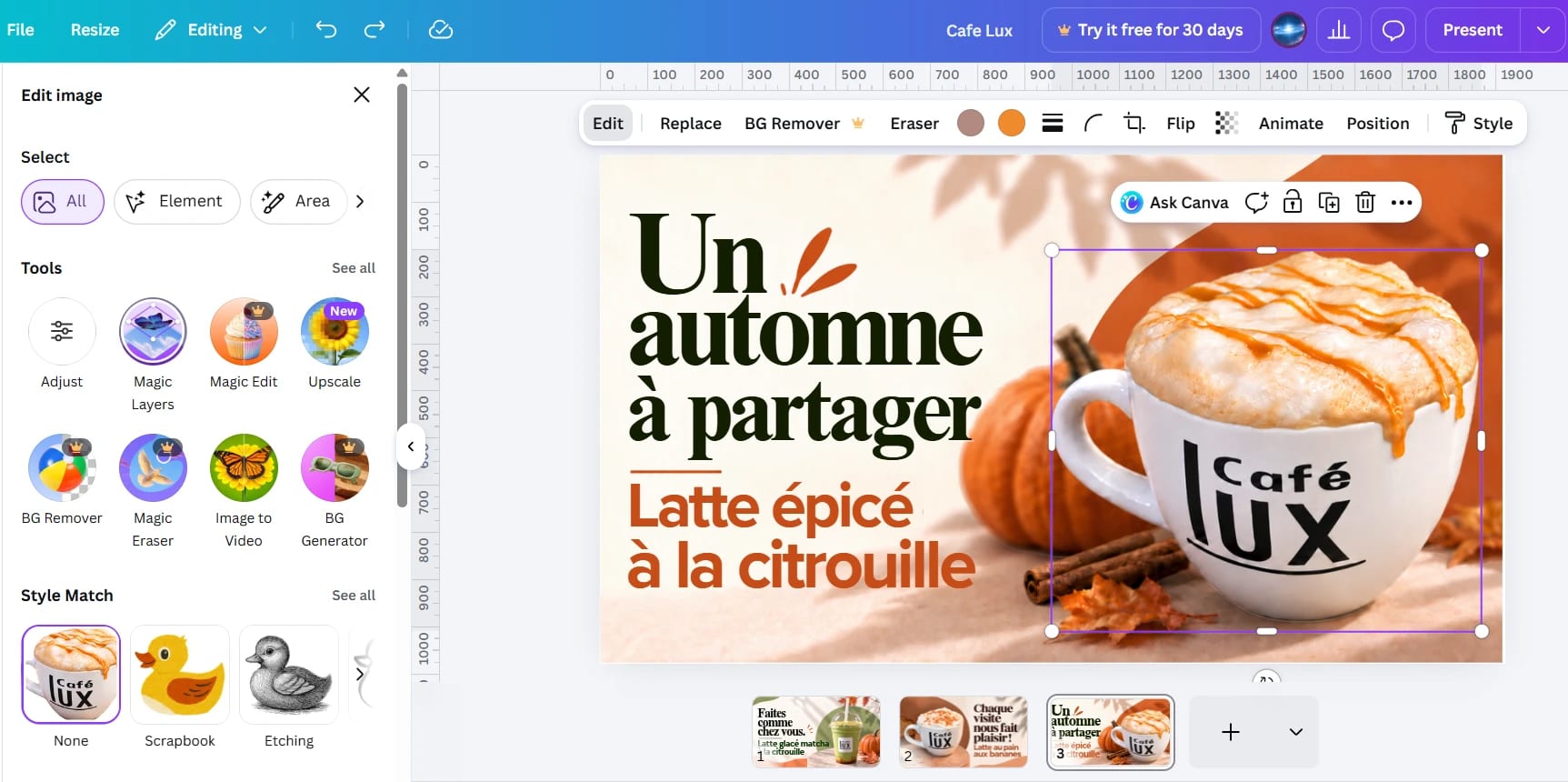
I made the requested changes by editing the elements by hand: Canva’s Magic Layers feature separates the poster’s elements, which lets me quickly make small changes based on what the owner wanted.
Technologies
-
Researching the campaign’s words and creating the posters from the café’s original photos, the style guide and a detailed description; I chose the style and retouched the visuals afterwards.
-
Magic Layers feature to separate the posters’ elements and quickly make the requested changes.
-
Publishing the job offer on the business’s page and sharing it in local job groups.
Challenges
Finding with the owner a good way to show the café on the TVs at the front, with a consistent visual direction, then adapting the posters to the screens’ format with a limited number of rounds of changes.
Solutions
I set the campaign angle with the owner, then a style guide true to the café and very clear instructions for the AI, so the result does not look AI-made; the requested changes were made by hand, element by element, with Magic Layers.
Final result
Five posters shown on the café’s TVs and a job offer published on the business’s Facebook page.