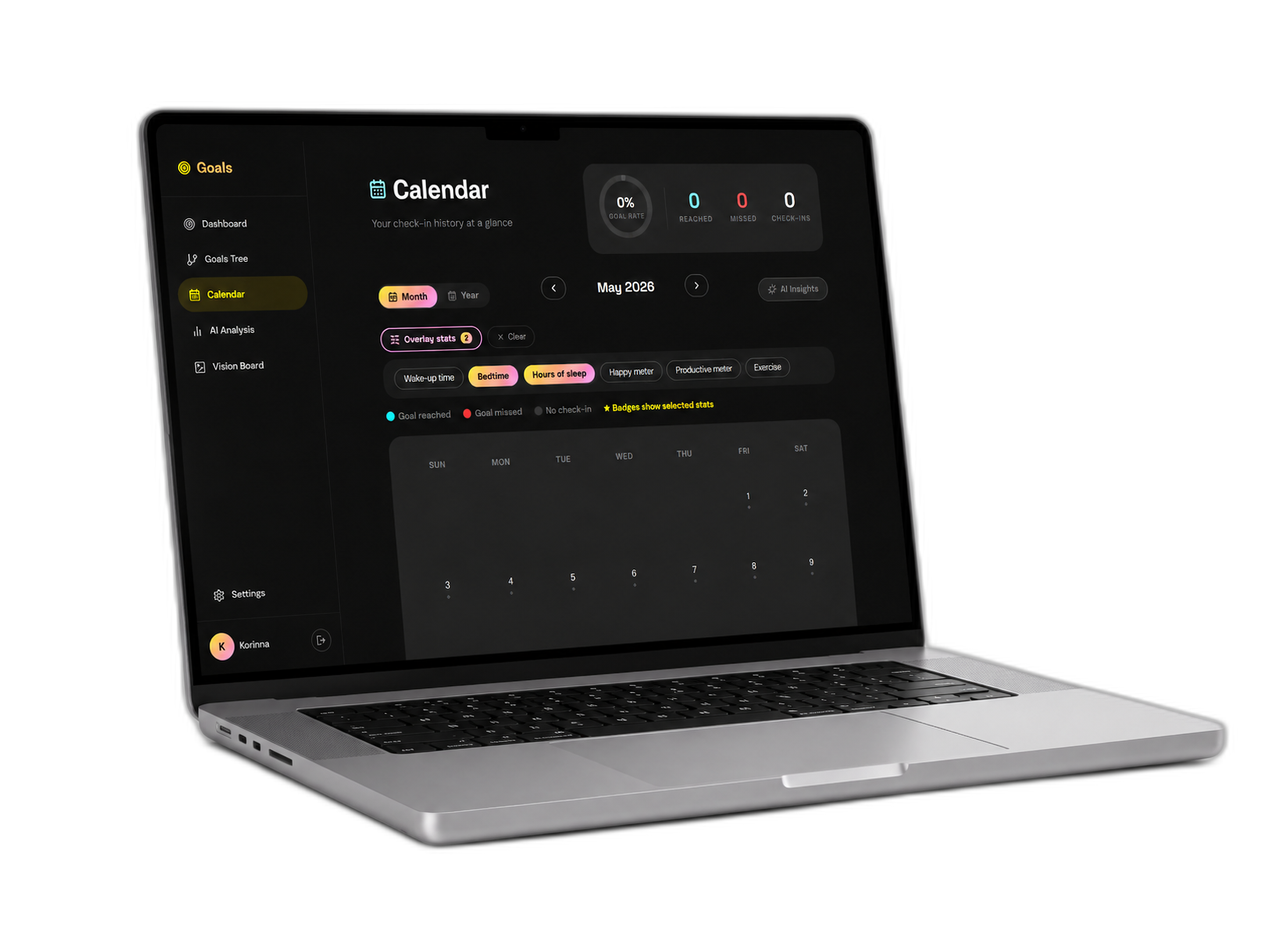
Goals is a smart habit tracker that links daily actions to big life goals, powered by an AI assistant that finds hidden patterns in your progress. Most goal-tracking apps treat goals as a flat, disconnected to-do list: users tick boxes, but quickly lose sight of why they are doing it.
Brief and goal
Link daily actions to big life goals, rather than treating them as a flat, disconnected to-do list where you quickly lose sight of why you tick the boxes.
Role and responsibilities
Personal project: UX/UI design, full-stack development and AI integration.
Credits
Personal project. The UX/UI design, the full-stack development and the AI integration are my work.
Use of AI
I used Google Antigravity to program and debug the app, and the Gemini API, with a specialized prompt, to analyze daily check-ins in the app; I used Claude Code to add this sheet to the portfolio, from my case study. My personal contribution includes the UX/UI design, the data structure, the system prompt and the full-stack development.
Production steps
-
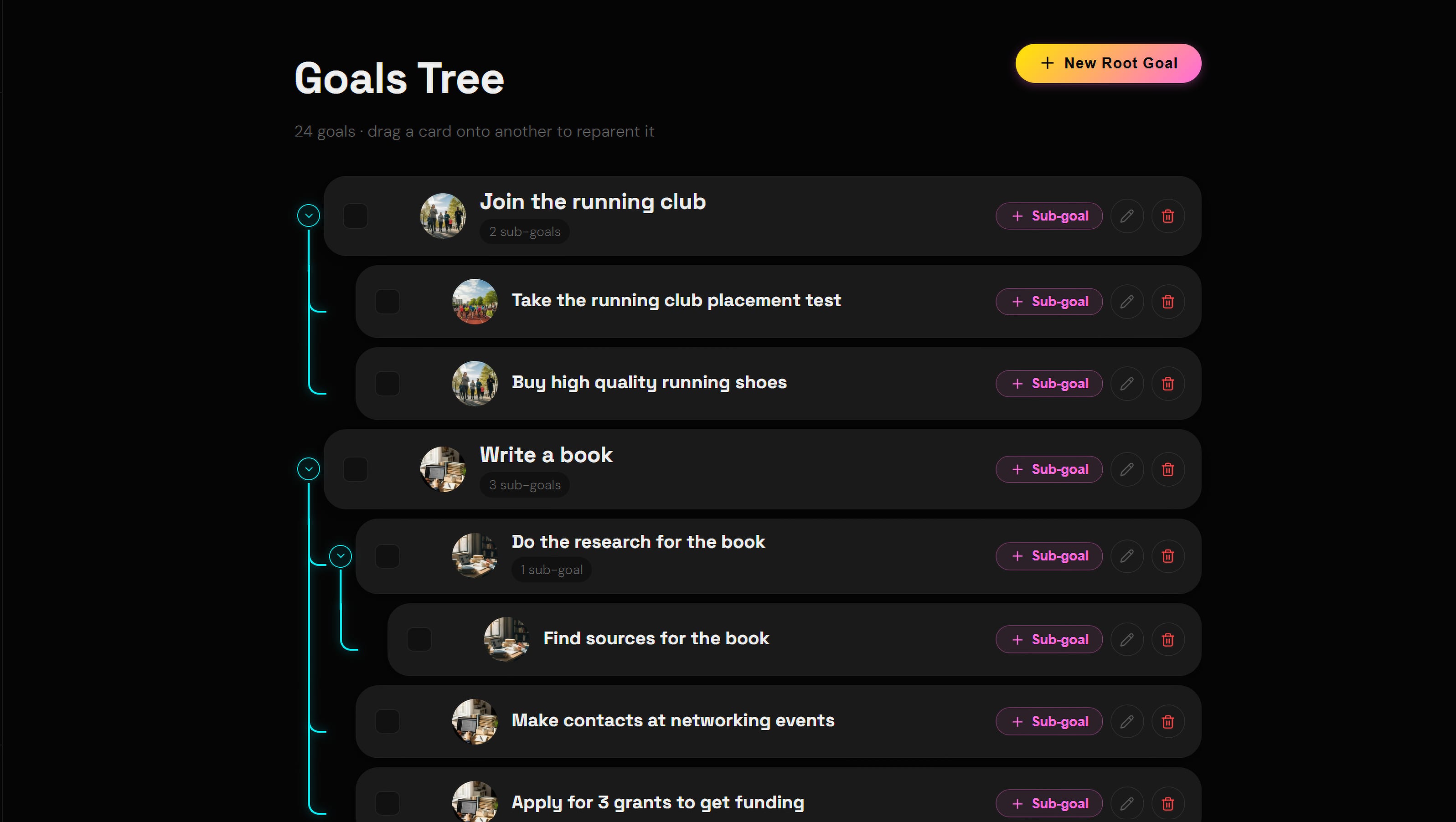
Step 1: UX/UI: a hierarchy of goals
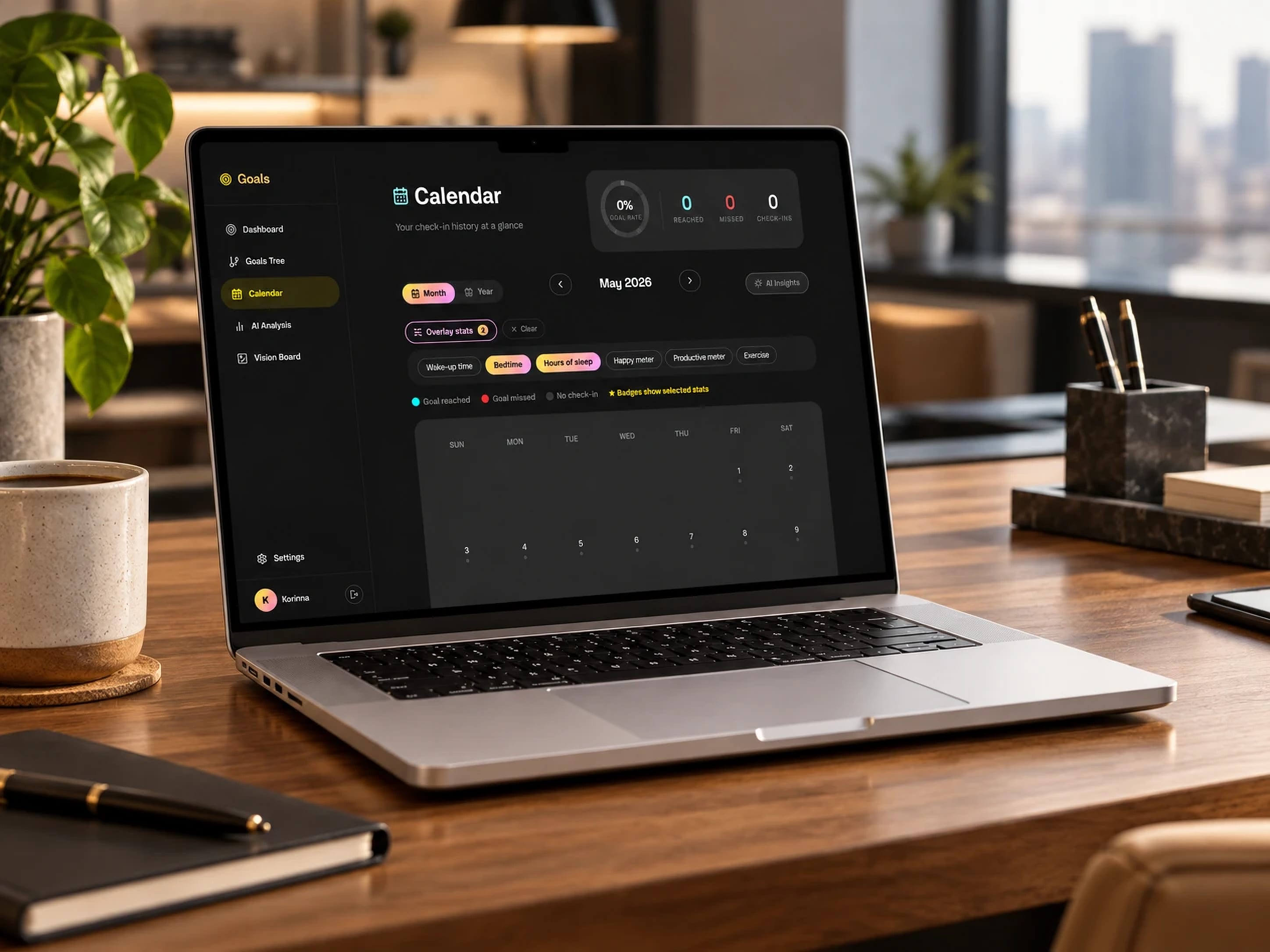
Instead of a flat list, the interface leads users to link small habits to parent goals. I used a clean, upscale dark-mode aesthetic to keep the interface focused and distraction-free, while visually emphasizing the hierarchy.
-
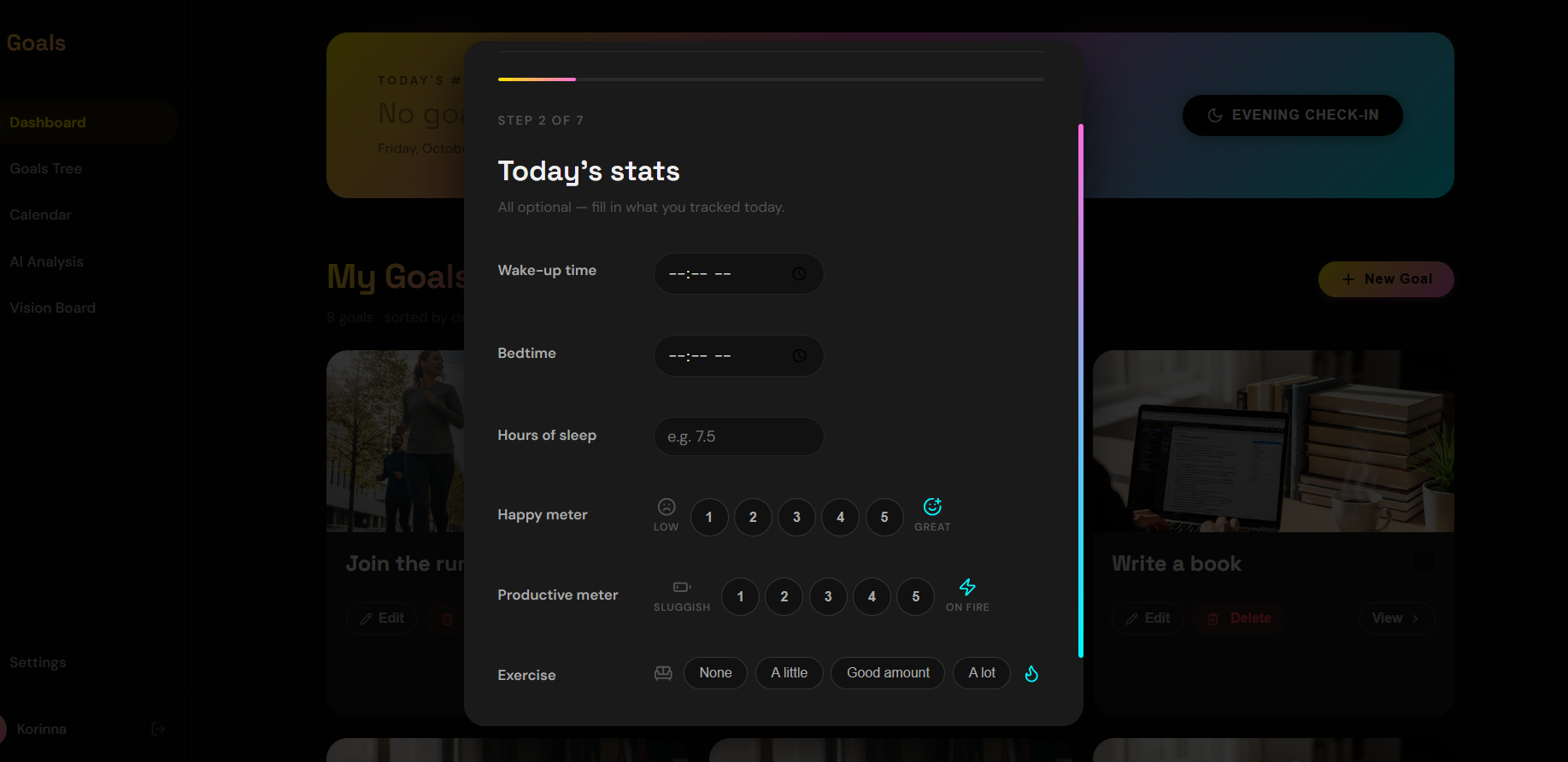
Step 2: Development: flexible daily check-ins
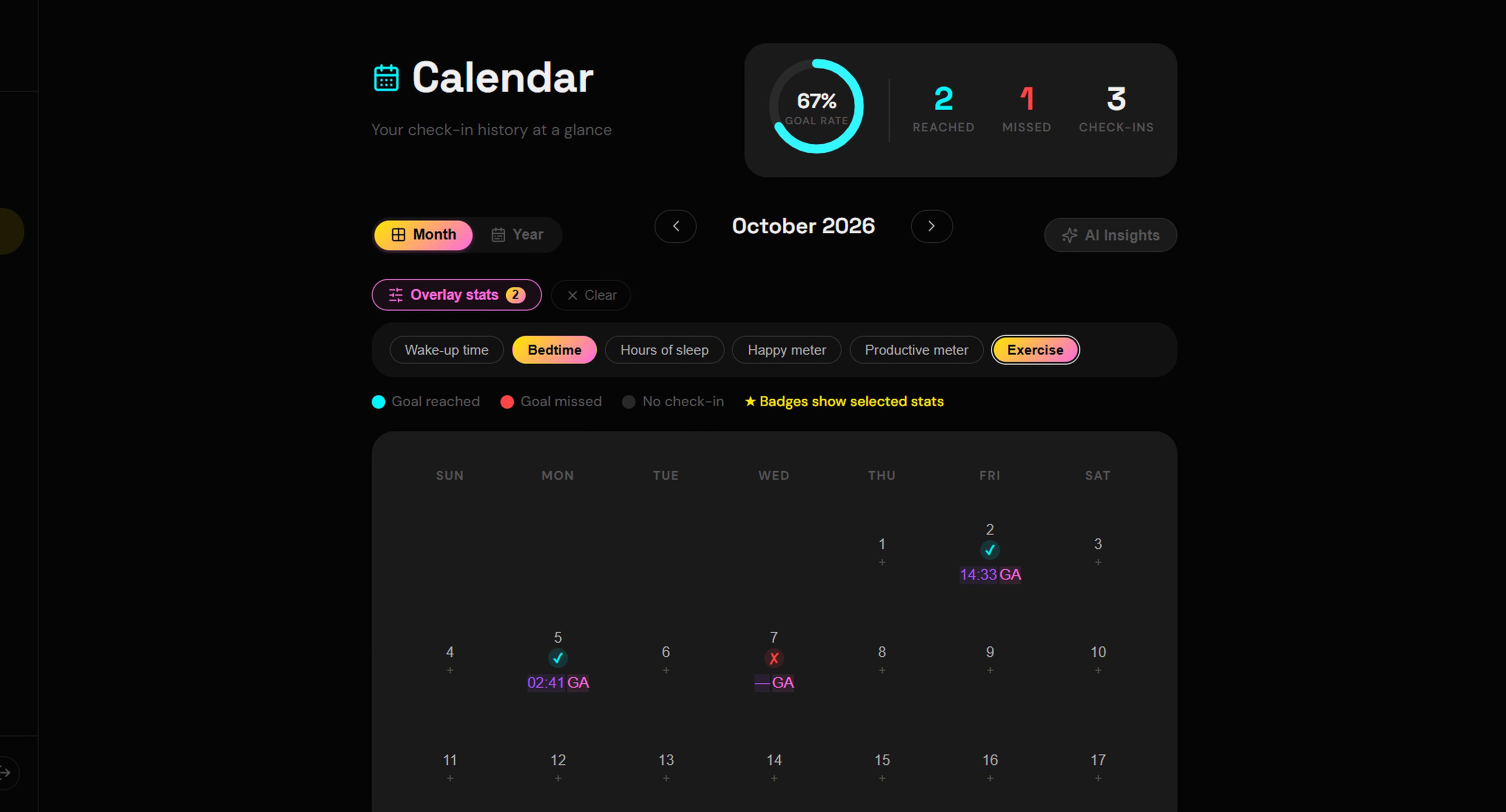
Built with React and Firebase, the app offers an evening reflection based on personalized questions. Over time, this creates a rich, structured dataset, without feeling like a chore.
-
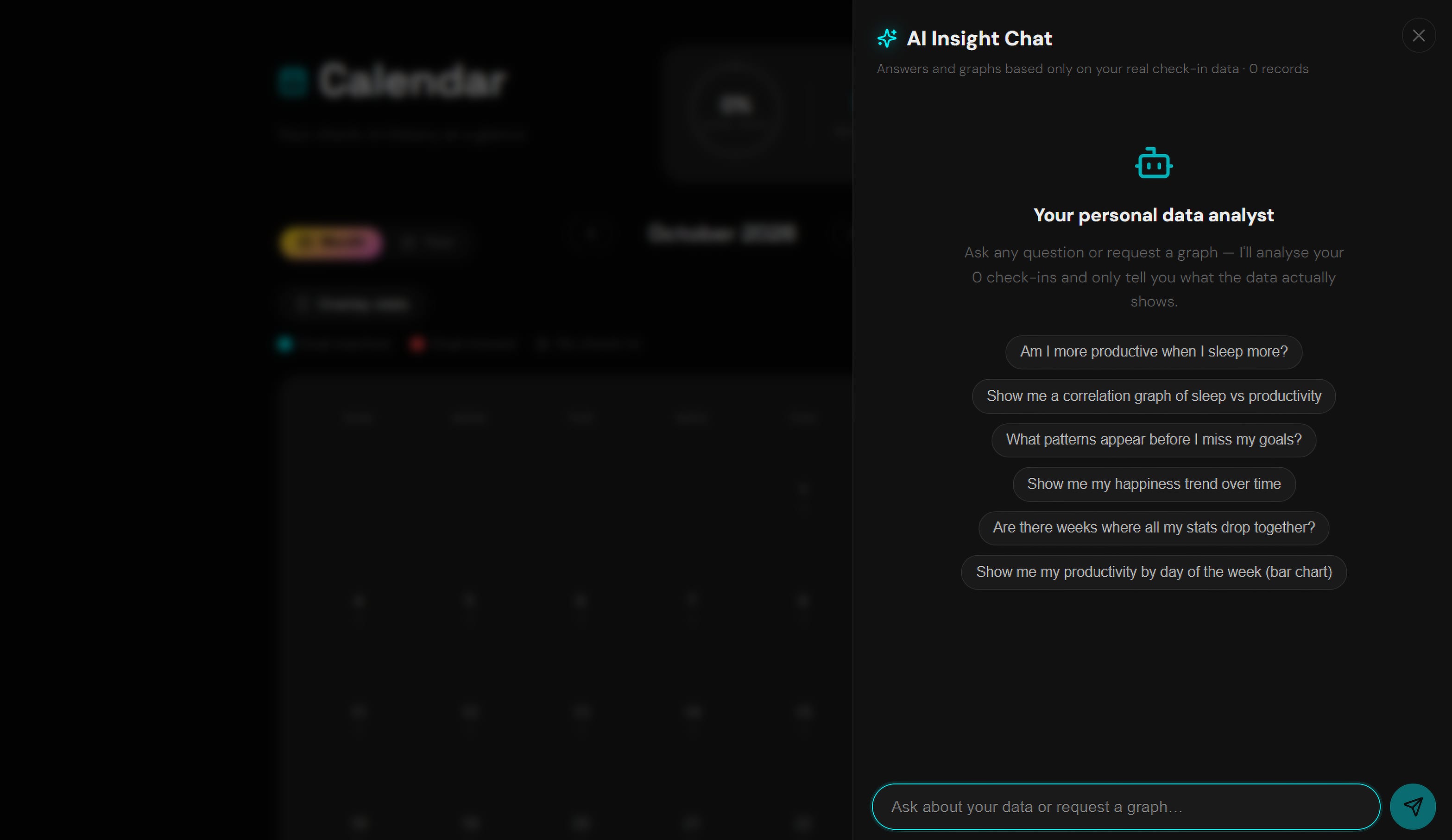
Step 3: AI system: contextual analysis
The user’s check-in history is formatted and sent securely to a large language model API with a specialized prompt. The system looks for correlations (for example, « the days you sleep 8 hours are correlated with completing your coding habit ») and returns structured, actionable insights rather than generic advice.
-
Step 4: Structured data for the AI
For the analysis to give concrete insights rather than vague advice, check-ins combine free text with binary and numerical entries; the system prompt then enforces the « Observation → Correlation → Action » format.
-
Step 5: Deployment
The front end is built with Vite and the app runs in production on Google Cloud Run; authentication and the database are handled by Firebase.
Technologies
-
Interface built with React; authentication and database handled by Firebase.
-
Analyzes daily check-ins and returns structured observations in the « Observation → Correlation → Action » format.
-
Hosting of the app in production.
-
AI-assisted development environment used to program and debug the app.
-
Front-end build tool.
Challenges
At first, the AI gave vague, horoscope-like advice that was impossible to put into practice, because the check-in data was not structured enough.
Solutions
I restructured the database to require binary and numerical entries on top of text, and refined the system prompt to enforce a strict « Observation → Correlation → Action » format.
Final result
A web app online: hierarchical goals, daily check-ins and trend analysis through the Gemini API, built with React and Firebase.